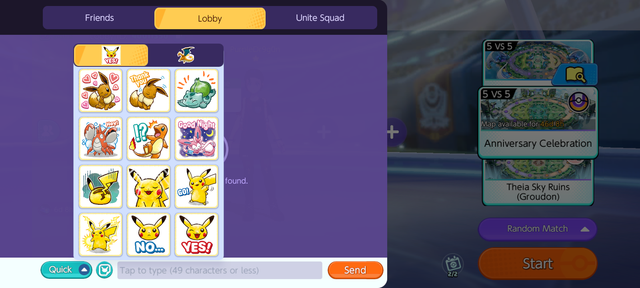
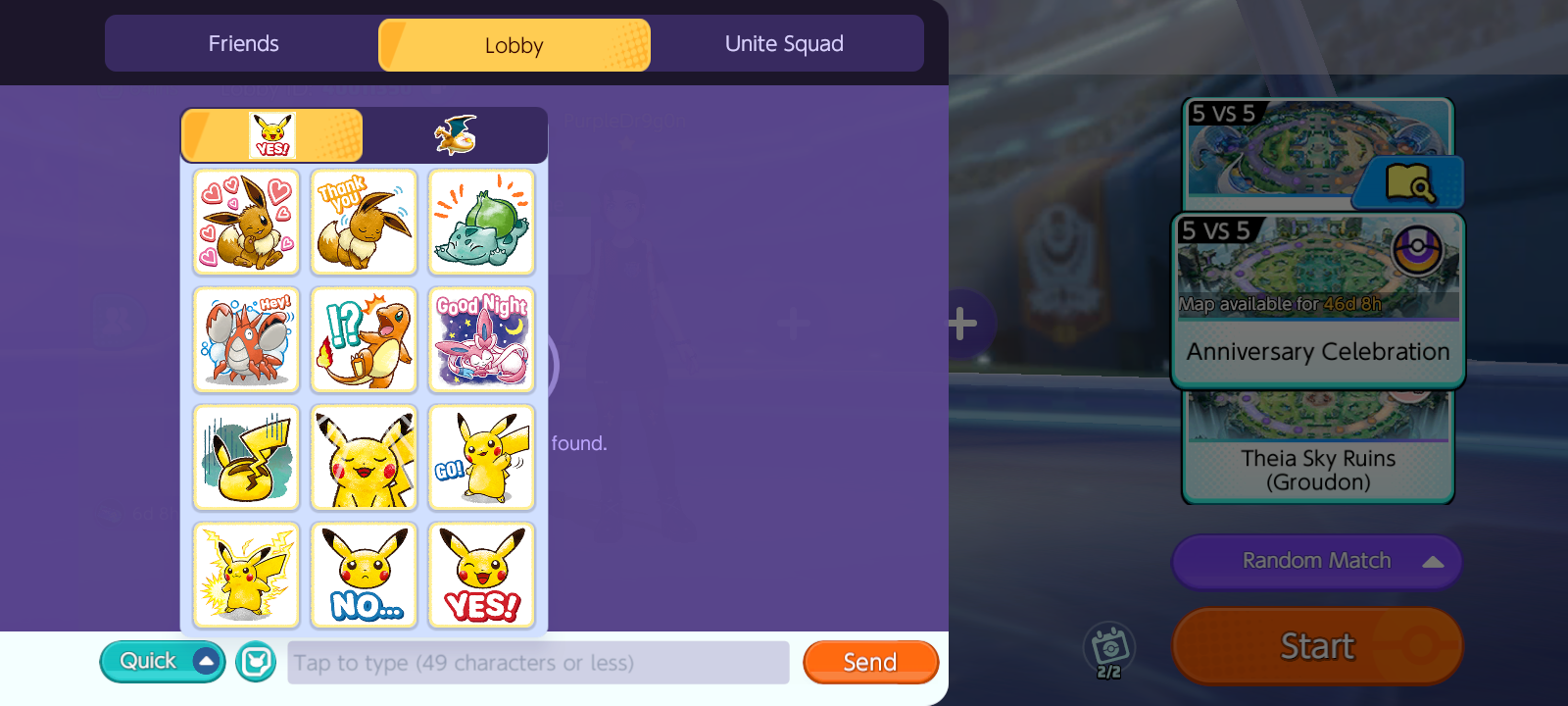
Select the round turquoise button between the "Quick" preset chat button and the "tap to type" dialog box. These are some of the stickers available to most everyone for use in lobby.
5 views

In-Lobby Chat Screenshot with Sticker Options

Uploaded 1 month ago

Select the round turquoise button between the "Quick" preset chat button and the "tap to type" dialog box. These are some of the stickers available to most everyone for use in lobby.

  • Date Time Original 2026-07-16 08:10:31
  • Light Source Unknown
  • Software Android BLU_G0990_V14.0.04.15_GENERIC 10-03-2026 17:38
Note: This content is private but anyone with the link will be able to see it.